
Unplugged replaces yonder bags and phone collection with a simple, software-based system schools can actually manage.
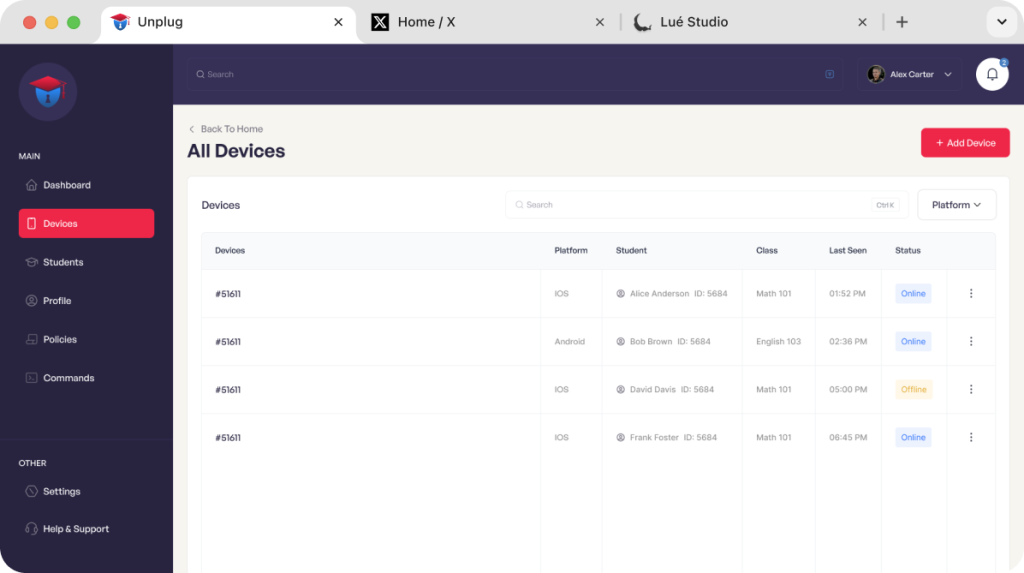
Managing student phones has become an operational burden for schools.
Unplugged eliminates phone collection entirely.
Students tap in once when they arrive at school.
Students tap out when they leave.
No collection.
No bags.
No lines.
No daily enforcement.
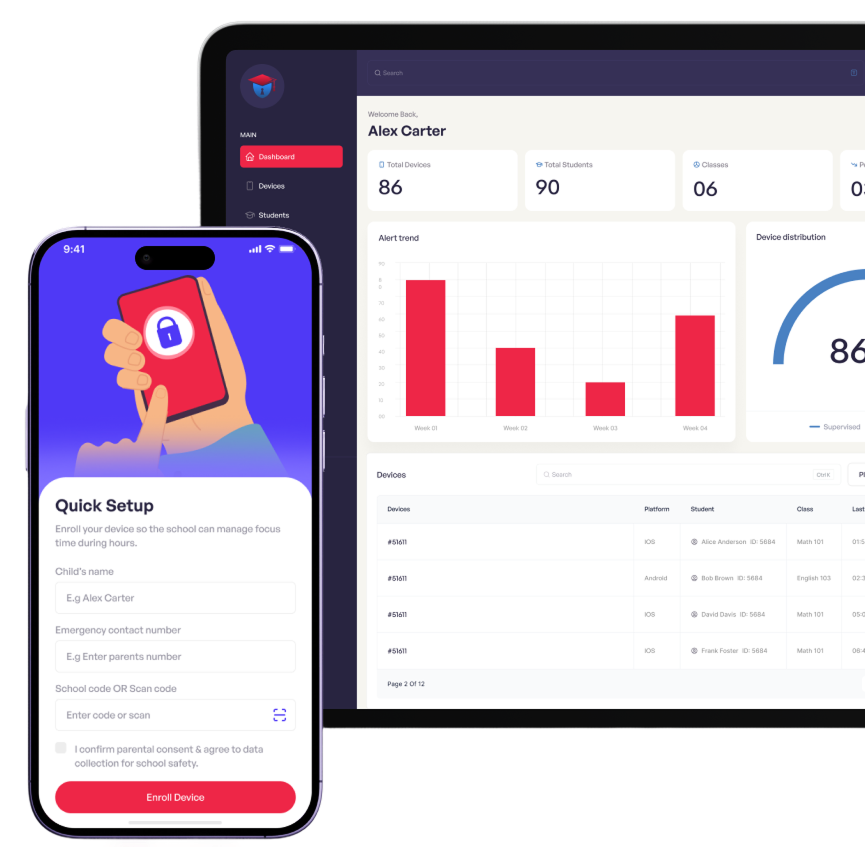
Managing student phones has become an operational burden for schools.
Works on both Apple and Android devices without requiring new hardware.
Replaces phone collection with a simple daily process.
Removes staffing, liability, and traffic issues.
The intuitive dashboard allows IT teams and teachers to manage hundreds of devices with minimal setup.
Unplugged does not violate privacy- personal messages, photos and apps are secure.
Families can stay informed without intrusive monitoring.
Apply rules when devices join school Wi-Fi.
Active/Relax Restrictions By Class Schedule.
Trigger Policies By Locations And Zones.
Support For Bluetooth Beacons Where Needed.
Unplugged makes it simple to maintain focus in the classroom while supporting students’ responsible device habits. By giving schools a tool to manage devices instead of banning them, students learn balance, and educators regain control over learning environments.
Unplugged makes it simple to maintain focus in the classroom while supporting students’ responsible device habits. By giving schools a tool to manage devices instead of banning them, students learn balance, and educators regain control over learning environments.
After a one-time enrollment, Unplugged automatically applies the right settings when devices connect to the school network. Policies are triggered based on location, time, or class schedules. For example, when students enter the classroom, distracting apps are paused. During exams, devices switch to a secure mode with only the necessary tools available. And after school, full access is restored so students can stay connected with family and friends.
Attendance Insights
Selective App Access
Temporary Policies for School Events


© Copyright 2024, All Rights Reserved